
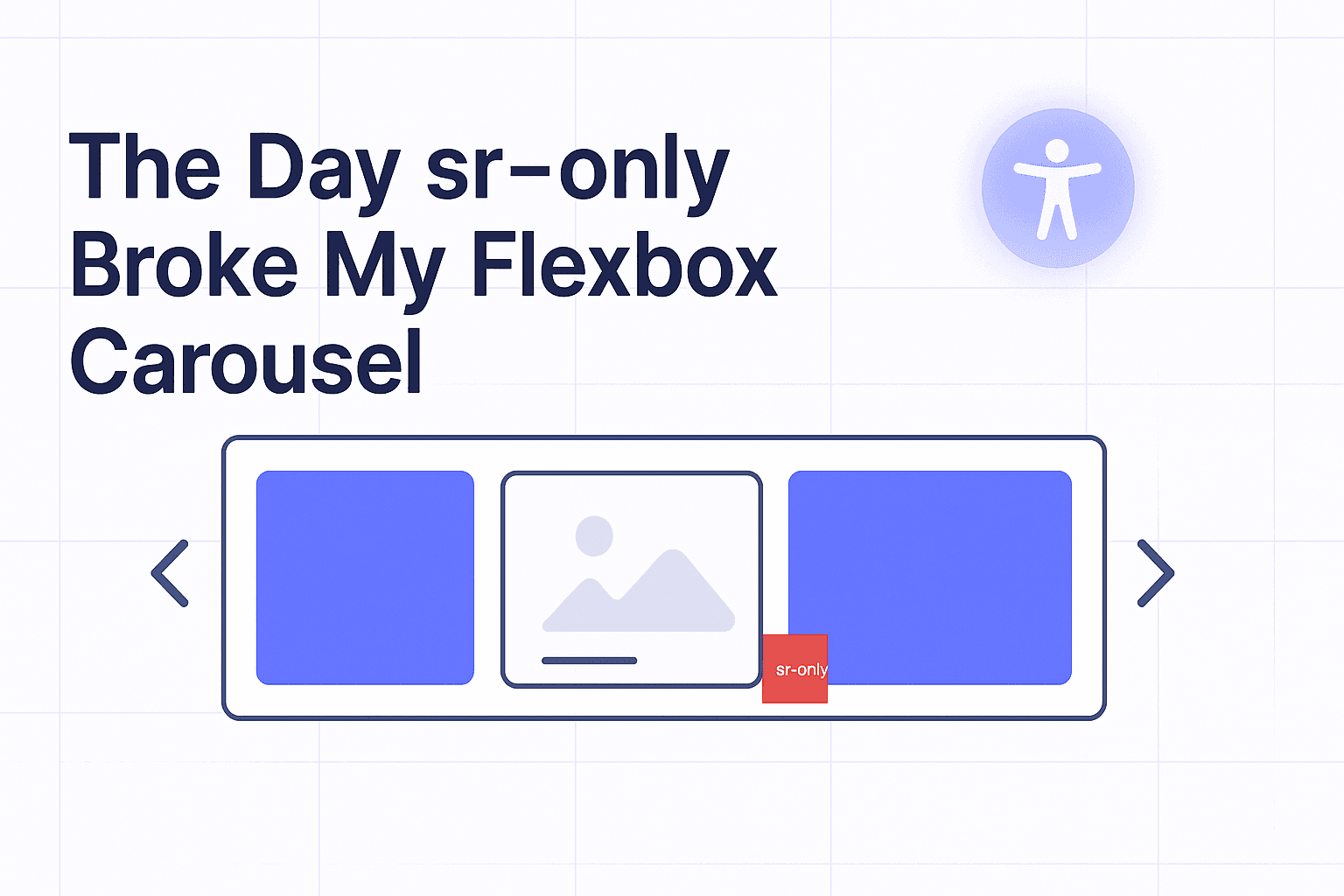
Carousels are already fragile creatures. Throw in flexbox, sprinkle some scroll-snap, and you’re dancing on CSS thin ice. But what finally broke mine wasn’t a complex layout bug or browser quirk—it was the humble sr-only class.
Yes, the little utility meant to help accessibility ended up derailing my slick, pixel-perfect carousel. Here’s the story, what went wrong, and how to fix it.
What Is sr-only?#
The sr-only class stands for screen reader only.
It’s a CSS utility that hides content visually but keeps it accessible to assistive technologies like screen readers. That way, non-visual users still understand your interface, even when labels are hidden from sight.
Here’s how it typically looks in Tailwind or Bootstrap:
This trick:
- Shrinks the element to 1px × 1px
- Moves it off-screen (
margin: -1px) - Clips its content so it’s invisible
- Ensures it doesn’t affect normal layout flow
Important: It’s not display: none; or visibility: hidden; — those would also hide the content from screen readers.
So sr-only lives in a weird state: invisible, but still in the DOM and measurable by layout engines.
Setting the Scene#
I was building a carousel powered by flexbox and scroll-snap. The idea was simple:
- Slides laid out in a row with
display: flex; - Scroll snapping to neatly lock onto each slide
- Navigation buttons styled with icons (arrows)
To make the buttons accessible, I added hidden text labels using sr-only:
All good… until it wasn’t.
When Things Went Wrong#
Suddenly:
- Slides weren’t aligning properly.
- Scroll snap points felt “off” by a pixel.
- The carousel’s overflow was misbehaving.
It was like some invisible ghost was nudging my layout. After too many hours of debugging (and blaming flexbox), I finally found the culprit:
👉 The 1px boxes created by sr-only.
Why sr-only Breaks Carousels#
From a browser’s perspective, that tiny sr-only span is still a real box. And when you’re working with:
- Flexbox → even tiny children can affect alignment and spacing.
- Scroll snap → snap points are calculated based on child dimensions.
- Overflow containers → an extra pixel can force unexpected scrollbars.
In short:
sr-only text wasn’t invisible to flexbox.
Debugging the Ghost#
To prove it, I threw on a debug background:
.sr-only {
  background: red; /* Debug only */
}
And there it was: tiny red boxes haunting my carousel like CSS ghosts.
That was my “aha” moment.
How to Fix It#
1. Use aria-label When Appropriate#
If the text is purely for accessibility and doesn’t need to be in the DOM, use aria-label:
This avoids layout quirks entirely.
2. Contain the sr-only#
If you must keep DOM text, Instead of placing the hidden label inside the flex container, place it before or after the flex group. And scope IDs with aria-labelledby when text lives outside the flex context.
This ensures flexbox doesn’t account for it.
3. Be Careful with scroll-snap#
scroll-snap is extra sensitive to unexpected widths. Even 1px off can ruin the experience. Always test snapping with accessibility utilities enabled.
What I Learned#
- Accessibility utilities aren’t “free.” They come with CSS tradeoffs.
sr-only≠display: none;. It preserves semantics but can still affect layout in edge cases.- Flexbox + scroll-snap magnify tiny quirks. What looks harmless (1px box) can become a nightmare in snapping layouts.
The day sr-only broke my carousel was frustrating, but it forced me to level up: I now think harder about when to use sr-only vs aria-label, and I always test accessibility helpers inside complex layouts.
⚡ Best Practice Summary#
- Contain or absolutely position sr-only to remove layout quirks.
- Scope IDs with aria-labelledby when text lives outside the flex context.
- Use aria-label when you don’t need DOM text at all.
- Test with screen readers (NVDA, VoiceOver) and layout engines (flex, scroll-snap) to ensure consistency.
Closing Thoughts#
The sr-only class is still a hero—it gives us a simple way to make UIs inclusive. But like any hero, it has weaknesses. If you’re building carousels, sliders, or flexbox-based navigation, don’t let those 1px ghost boxes sneak up on you.
Next time your scroll-snap feels haunted, check your sr-only. 👻